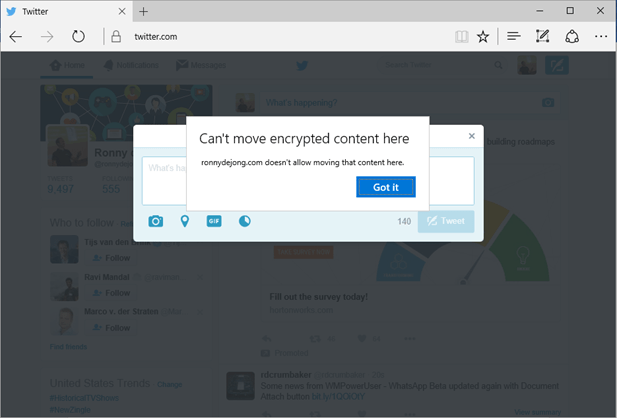
In this blog series of Enterprise Data Protection (EDP) I will provide you some more insights what EDP is, how it works and how to create & deploy EDP policies … Continue Reading Part 3 – Create & deploy Enterprise Data Protection using System Center Configuration Manager Current Branch

My very first challenge – which was in my modest opinion the hardest part – with Enterprise Data Protection (EDP) was defining protected applications in a correct way. Many of … Continue Reading Part 2 – Define Privileged Desktop & Universal Applications for Enterprise Data Protection
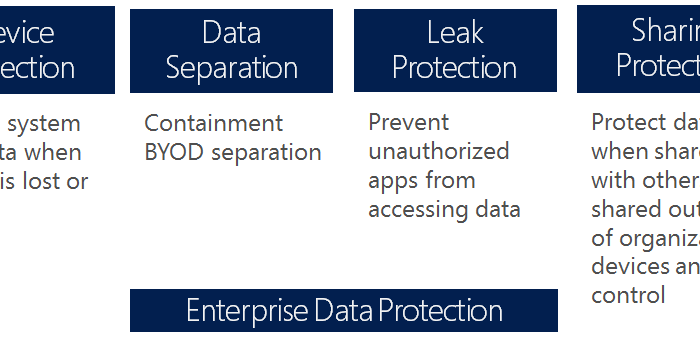
Recently I had the chance during a technical Friday jam session to play around with Enterprise Data Protection (EDP) with some other geeks . In short Enterprise data protection (EDP) … Continue Reading Blog series: Protect your Company Data using Enterprise Data Protection (EDP)
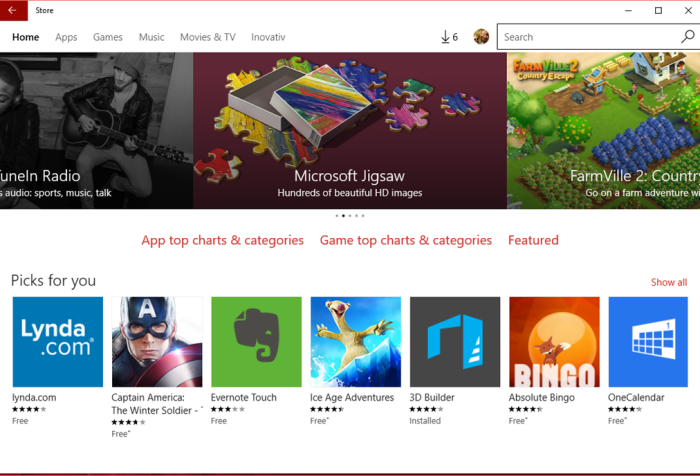
With the new Windows Store for Business, organizations can make volume purchases of Windows apps. The Store for Business provides app purchases based on organizational identity, flexible distribution options, and … Continue Reading Getting started with Windows Store for Business
UPDATE: Enterprise Data Protection is available again from Windows 10 Version 1511 rs1 builds if you want to test Enterprise Data Protection! UPDATE: Stay on Windows 10 Version 1511 th2 … Continue Reading Part 1 – Introduction: Windows 10 Enterprise Data Protection – Under the hood…
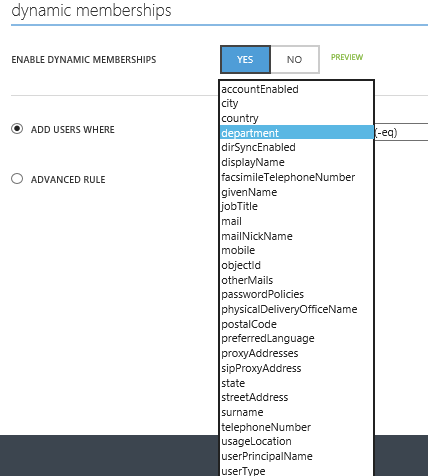
March this year the Active Directory team announced Attribute Based Dynamic Group Membership for Azure AD. Until then, group membership was a manual thing that had to be done for … Continue Reading Use Custom Attributes for automatically populate Azure AD Dynamic Group Memberships
Over the next six weeks I’ll provide along with my colleagues Valerie Siroux and Arjan Vroege several webinars on Microsoft Enterprise Mobility Suite. If you want to know more about … Continue Reading Get Started with the Enterprise Mobility Suite
May this year Microsoft announced a new capability of automatically enroll devices in Microsoft Intune as part of joining devices in to Azure AD (Premium). By joining a Windows 10 … Continue Reading Integrate your Microsoft Intune device enrollment with Azure AD!
I’m more than happy being your tour guide for today and walkthrough the various portals that the Microsoft Enterprise Mobility Suite (EMS) houses. For those who are involved with EMS, … Continue Reading The Enterprise Mobility Suite Portal Survival Guide
So you’ve always wondered what it takes to improve both collaboration and business processes in your organization, which results in employees being more productive? Do I’ve your attention…read on! With … Continue Reading How Azure AD Premium & Office 365 improves Collaboration
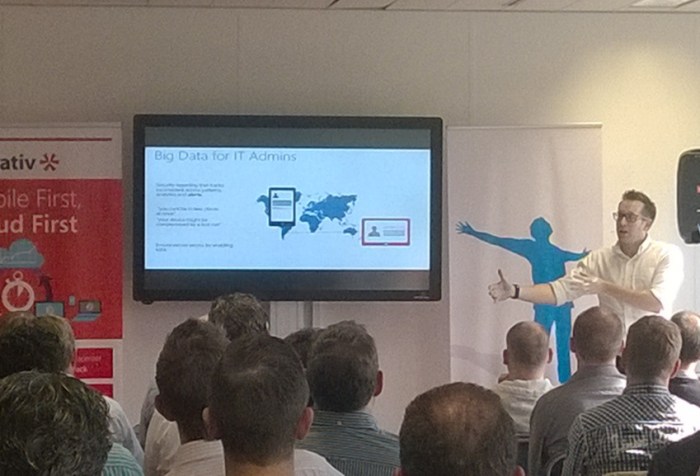
Last week was a blast of community engagements. Hereby a recap… Theme Night – Hybrid Identity & Business Continuity Ahead of TechDays 2015 Netherlands the System Center User Group NL … Continue Reading Recap of a great community week!

Today the Microsoft Intune product team announced next set of Intune features that will be released between May 19 and May 26. With this monthly release cadence, Microsoft continue to … Continue Reading What’s new in Microsoft Intune Service Update – May 2015
In case you want to play around and do some hands-on with Mobile Device Management in Office 365 but you couldn’t find it! Thank you for contacting Microsoft Intune Technical … Continue Reading Mobile Device Management not available in your Office 365 subscription!?
Last weekend Rob Tiffany announced a fun but just as usefully 50 enterprise mobility tips twitter live stream. If you’re doubting how to address Enterprise Mobility in your company, these … Continue Reading ICYMI: 50 Enterprise Mobility tips you should consider!
Last week Microsoft updated their Intune cloud services with the April service update. This April service update (5.0.5118.0) introduces a lot of new features which were recently announced by the … Continue Reading Intune Extensions install process improved /w April Service Update
Microsoft is continuously improving their Azure cloud services while new features get introduced in rapid pace. In this blog I want to consider some new Azure Active Directory Premium features … Continue Reading Azure AD Premium Public Preview Features…a closer look
 Modern Workplace